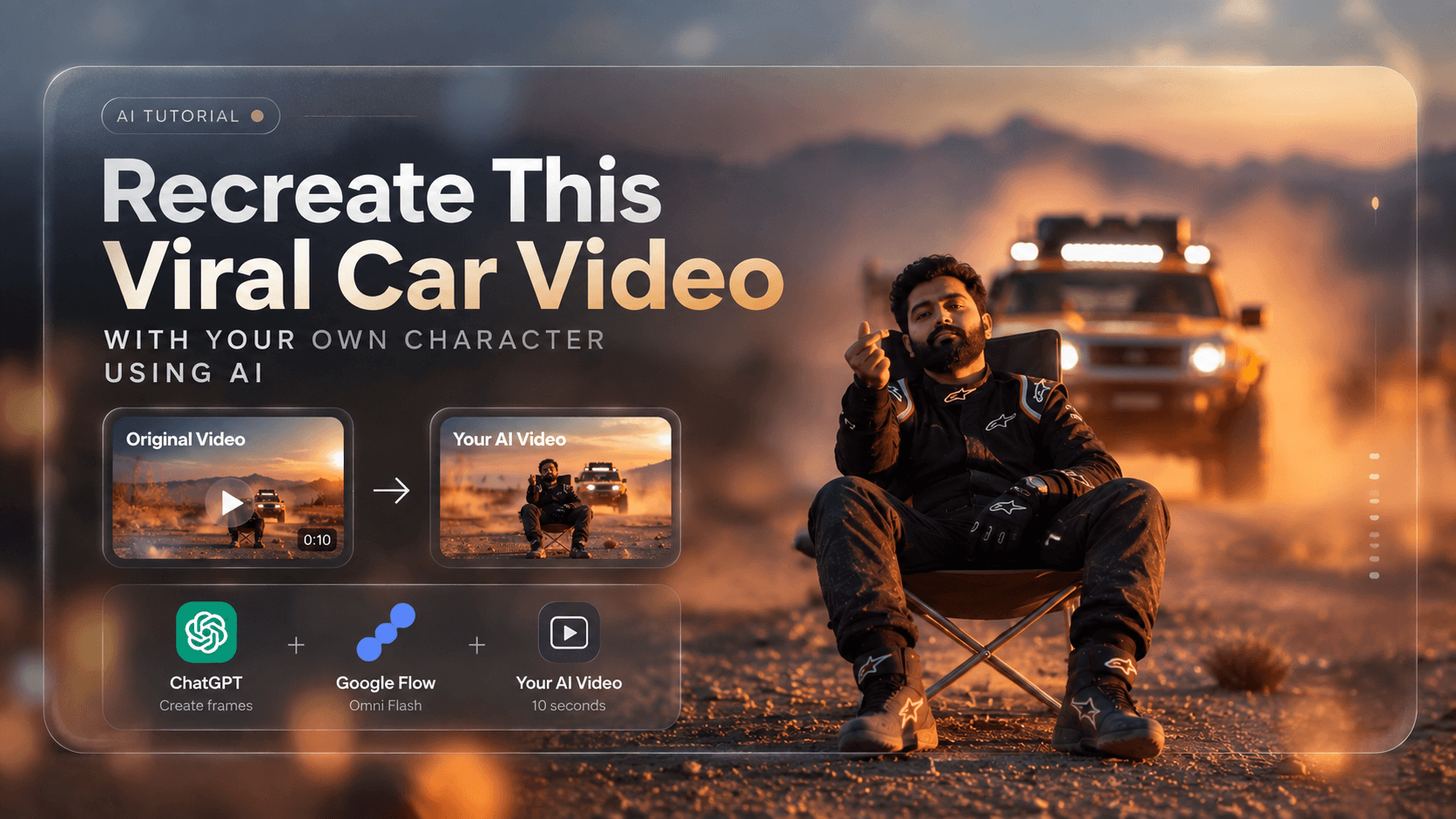
Recreate Any Video With Your Own Character Using ChatGPT + Google Flow
Want to recreate the look and movement of an Instagram video with your own character and vehicle?
This simple workflow uses ChatGPT + Google Flow's Omni Flash. You only need the original video, two screenshots, and your character and vehicle references.
1. Download the Reference Video
For this tutorial, we are using this Reel:
https://www.instagram.com/p/Dd6NcR5zvG0/
Download it from:
https://sssinstagram.com/en1
Use a 10-second section of the video.
Only download and reuse videos you have permission to use.
2. Take Two Screenshots
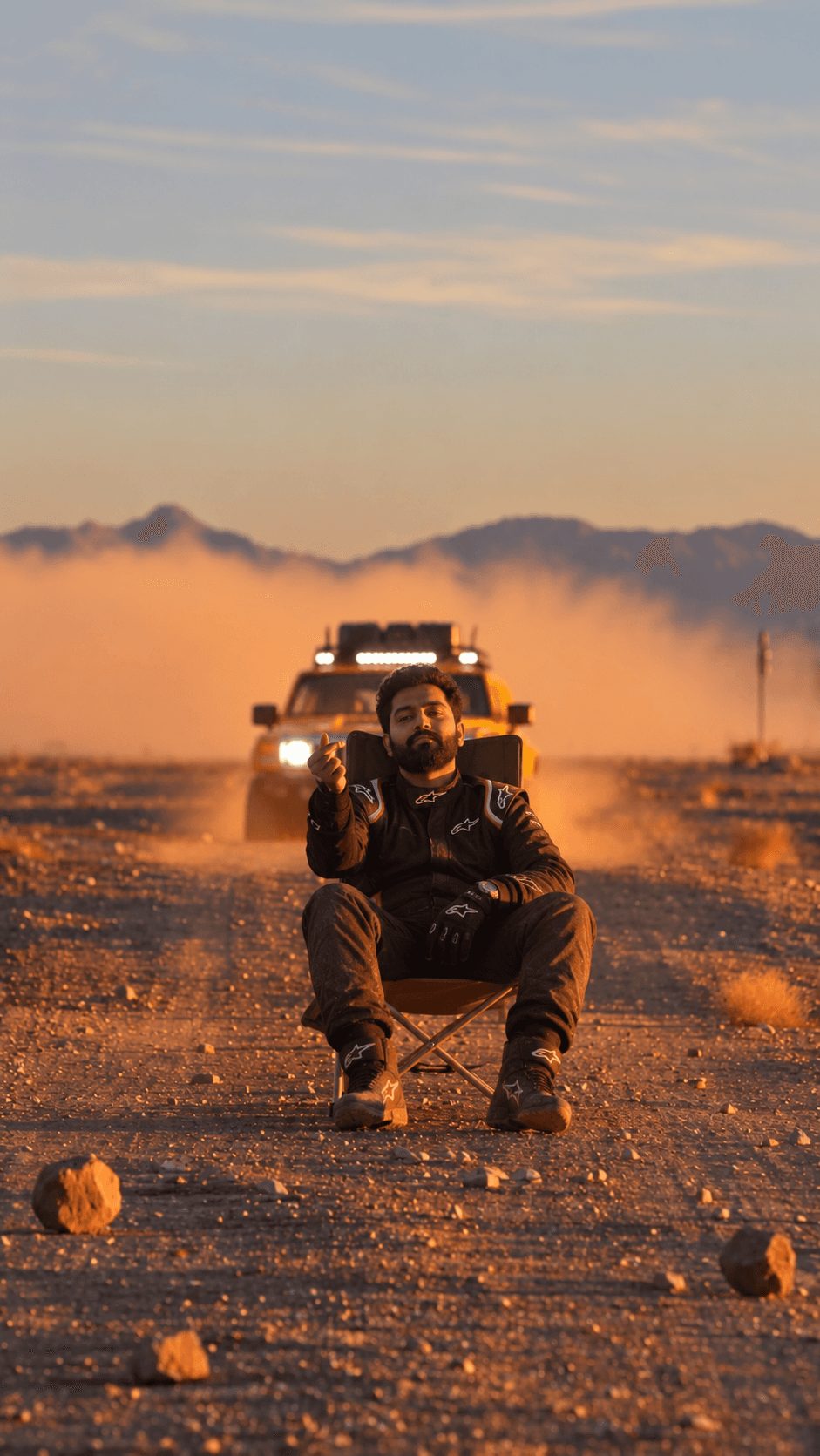
Take a screenshot of:
- The first frame of the 10-second video.
- The last frame of the 10-second video.
Now you have:
Original video
First frame
Last frame
Character reference
Vehicle reference
3. Give Everything to ChatGPT
Upload all five files to ChatGPT:
- Original 10-second video
- First frame
- Last frame
- Your character image
- Your vehicle image
Ask ChatGPT to create two new images that match the first and last frames, but replace the original person and vehicle with yours.
Use this prompt:
Using the uploaded original video, first frame, last frame, character reference, and vehicle reference, create two matching replacement frames.

Keep the original composition, camera angle, perspective, environment, lighting, subject position and scale.

Replace only the person with my character and the vehicle with my vehicle.

Keep the character's face, body, clothing and identity consistent. Keep the vehicle's exact design, color and details consistent.

Create one replacement image matching the first frame and one matching the last frame. Do not redesign the scene.
You now have:
Generated Start Frame
Generated End Frame
4. Put Everything Into Google Flow
Open:
https://flow.google.com
Select Video → Omni Flash → Ingredients.
Add these as your Ingredients:
- Original 10-second video
- Generated start frame
- Generated end frame
- Character reference
- Vehicle reference
The important part is simple:
The video controls the motion. The images control what your character and vehicle look like.
5. Generate the Video
Paste this one prompt into Flow:
Replace only the person and vehicle in the original video with the character and vehicle from the provided reference images.

Use the original video as the exact reference for camera movement, timing, composition, subject movement, perspective and environment.

Use the start and end images to match the appearance and positioning of the replacement subjects.

Keep the character's face, body, clothing and identity consistent throughout the video. Keep the vehicle's color, shape, proportions and details consistent throughout the video.

Preserve the original background, lighting, shadows, dust, motion blur and camera movement.

Do not redesign the scene or create new actions. Do not change the camera movement.

The final video should look like the original video was filmed with this exact character and vehicle.
Generate the 10-second video.
6. That's It
The workflow is:
Instagram Reel
      ↓
Download 10-sec video
      ↓
First + last frame
      ↓
ChatGPT
      ↓
New start + end images
      ↓
Google Flow
      ↓
Omni Flash + Ingredients
      ↓
Final video
The trick is not to ask AI to make a completely new video.
Give it the original video for the motion and your images for the identity. This keeps the result much closer to the reference while replacing the character and vehicle.
Video = motion. Images = identity. Omni Flash = final video.